Hey there! As a supplier of Bluetooth headsets with dongles, I often get asked about the range of these devices. It's a super important factor, especially for those who need to move around while using their headsets. So, let's dive right into it and explore what the range of a Bluetooth headset with a dongle can be.
Understanding Bluetooth Range Basics
First off, Bluetooth technology has different versions, and each version comes with its own set of features and range capabilities. The most common Bluetooth versions you'll find in headsets with dongles are Bluetooth 4.0, 4.1, 4.2, 5.0, and 5.1.
Bluetooth 4.0, which was a significant upgrade from its predecessors, introduced low - energy consumption. It typically offers a range of about 10 meters (33 feet) in an open space. This range can be affected by various factors such as obstacles, interference from other electronic devices, and the power output of the headset and the dongle.
Bluetooth 5.0 and 5.1, on the other hand, are the latest and greatest. They have a much longer range compared to the earlier versions. In an open space, a Bluetooth 5.0 or 5.1 headset with a dongle can reach up to 100 meters (328 feet). That's a huge improvement! You can literally walk around your office or even your backyard without losing the connection.
Factors Affecting the Range
Now, let's talk about the factors that can mess with the range of your Bluetooth headset with a dongle.
Obstacles: Walls, furniture, and even people can act as barriers to the Bluetooth signal. For example, if you're in an office with cubicles and thick walls, the signal might not travel as far as it would in an open area. A solid concrete wall can significantly reduce the range, sometimes cutting it down to just a few meters.
Interference: Other electronic devices can interfere with the Bluetooth signal. Wi - Fi routers, microwaves, and even other Bluetooth devices in the vicinity can cause signal degradation. For instance, if you're using your headset near a Wi - Fi router that operates on the same frequency as Bluetooth (2.4 GHz), you might experience dropouts or a reduced range.
Power Output: The power output of the headset and the dongle plays a crucial role. Headsets and dongles with higher power outputs generally have a longer range. However, higher power also means higher energy consumption, so there's a trade - off.
Real - World Range Expectations
In a real - world scenario, the range of a Bluetooth headset with a dongle is usually less than the maximum range specified by the Bluetooth version. In an office environment, you can expect a range of around 15 - 20 meters (49 - 66 feet) even with a Bluetooth 5.0 or 5.1 device. This is because of the presence of obstacles like walls, desks, and other equipment.


If you're in a more open area, like a park or a large warehouse, you can get closer to the maximum range. But keep in mind that interference from other Bluetooth or wireless devices can still affect the connection.
Our Products and Their Range
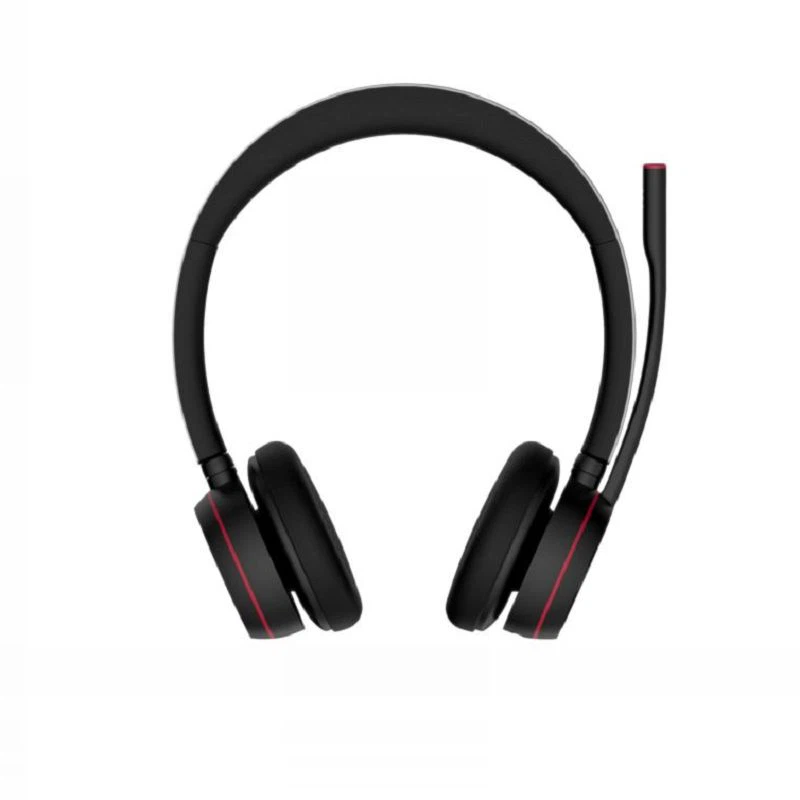
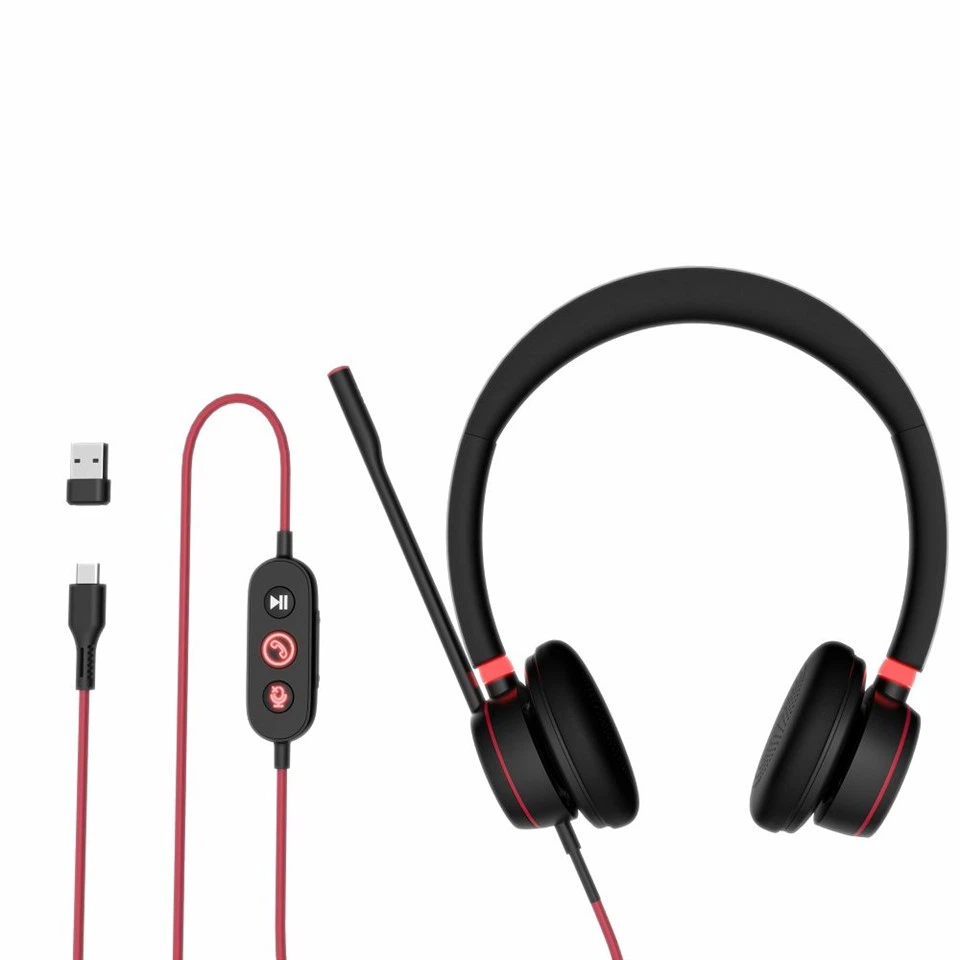
At our company, we offer a wide range of Bluetooth Headset with Dongle. Our headsets are equipped with the latest Bluetooth technology, mainly Bluetooth 5.0 and 5.1.
Our Professional Business Bluetooth UC Headset is designed for business use. It has a great range that can meet the needs of most office environments. Even in a busy office with multiple electronic devices, you can expect a reliable connection within a range of 15 - 20 meters.
Tips to Maximize the Range
If you want to get the most out of your Bluetooth headset with a dongle, here are some tips:
- Keep it clear: Try to keep the headset and the dongle away from obstacles. If possible, place the dongle in an open area where the signal can travel freely.
- Update firmware: Make sure to update the firmware of your headset and dongle regularly. Manufacturers often release updates that can improve the range and performance of the device.
- Reduce interference: Turn off other electronic devices that might be causing interference. For example, if you're not using your Wi - Fi router, turn it off while using your Bluetooth headset.
Why Choose Our Bluetooth Headsets with Dongles
Our headsets are not only known for their great range but also for their high - quality sound and comfort. We use the latest technology to ensure that you get a clear and stable connection, no matter where you are. Whether you're in a noisy office or a quiet home environment, our headsets can deliver an excellent audio experience.
If you're in the market for a Bluetooth headset with a dongle, we'd love to have a chat with you. We can help you choose the right product based on your needs and budget. Whether you're a small business owner, a freelancer, or just someone who needs a reliable headset for personal use, we've got you covered.
So, if you're interested in learning more about our products or want to place an order, don't hesitate to reach out. We're here to make your Bluetooth headset experience as smooth and enjoyable as possible.
References
- Bluetooth SIG. (n.d.). Bluetooth Core Specification. Retrieved from Bluetooth Special Interest Group official resources.
- Various headset manufacturers' product manuals and technical specifications.